Configure Smart Modeling toolbar
In this section, you customize the Smart Modeling toolbar to your needs. In the following procedure, you can click any  Insert button of any function object, since you do not change the model but only the number of object symbols that the Smart Modeling toolbar provides for functions.
Click a function and click any
Insert button.Click
 Configure > Remove symbols from toolbar.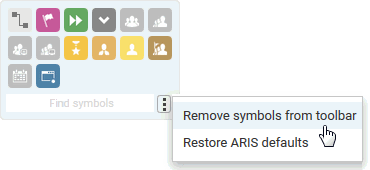
The available object symbols are marked by remove icons.
Click the object symbols you want to remove. They are grayed and their
 remove icons are highlighted.
If you want to exclude an already selected object symbol from removal, click the object symbol again.
Click Apply.
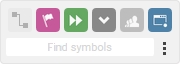
The selected object symbols are removed from the Smart Modeling toolbar. If you click the Insert button of an object of Function type, the following object symbols are now offered.