Create a new dashboard
You can create dashboards using the dashboard editor.
Prerequisite
You have the required privileges.
Click
 Application launcher >
  Dashboards & data feeds. The dashboards are displayed.
Click Create dashboard.
The dashboard editor opens with an empty dashboard in edit mode.
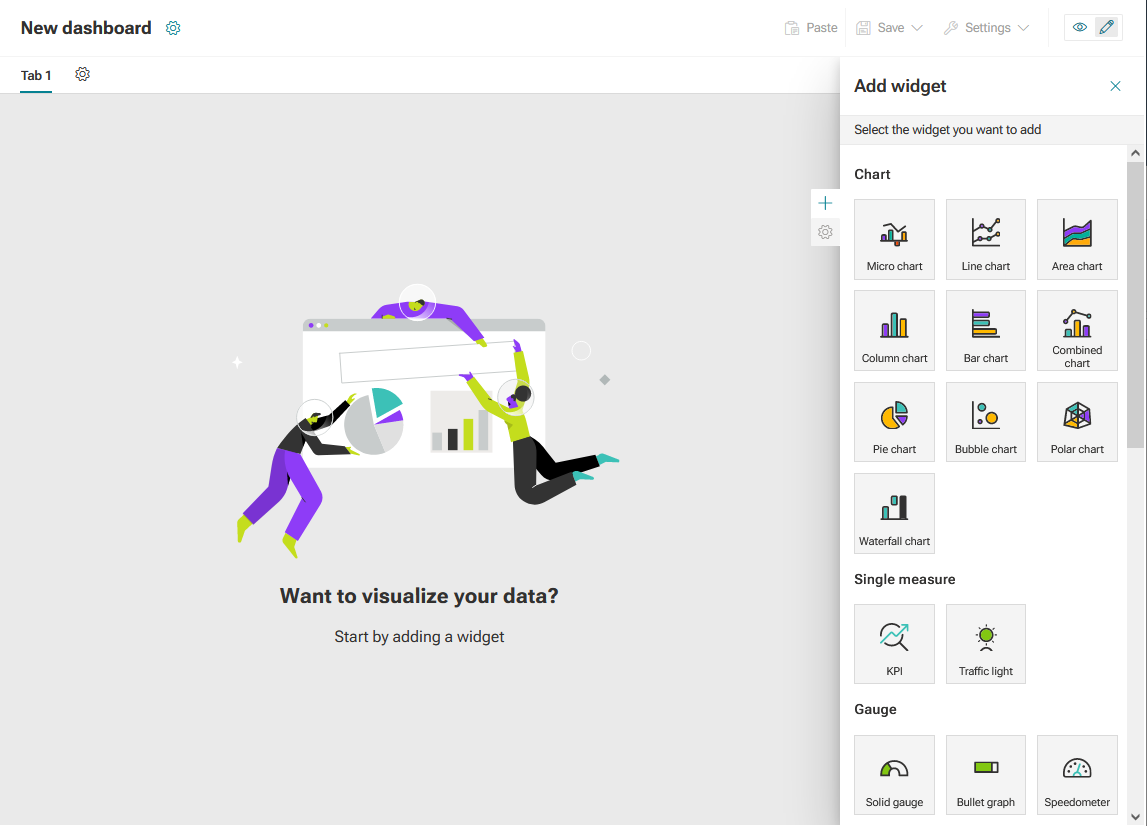
You can now configure the new dashboard.
Click the
 icon -> Save.
Enter a new dashboard name and click Save.
Your dashboard is created and available in the Dashboards list in the Dashboards & Data feeds view in the Repository of ARIS.
To delete a dashboard, move the mouse pointer over a dashboard in the dashboard list and click the  Delete icon in the corresponding row. To delete one or more dashboards, select the dashboards you want to delete and click the Delete icon on the toolbar and click Yes to confirm the deletion.